


Agent-Native Canvas
Agents create. You direct.
The Agent-Native Canvas brings your agents and your team to the same piece of work. Say what to change, or change it on the page, and your agent applies the edit.
- Claude Code
- Codex
- Cursor
- Any MCP agent
Work you can direct
The piece stays in view as it changes.

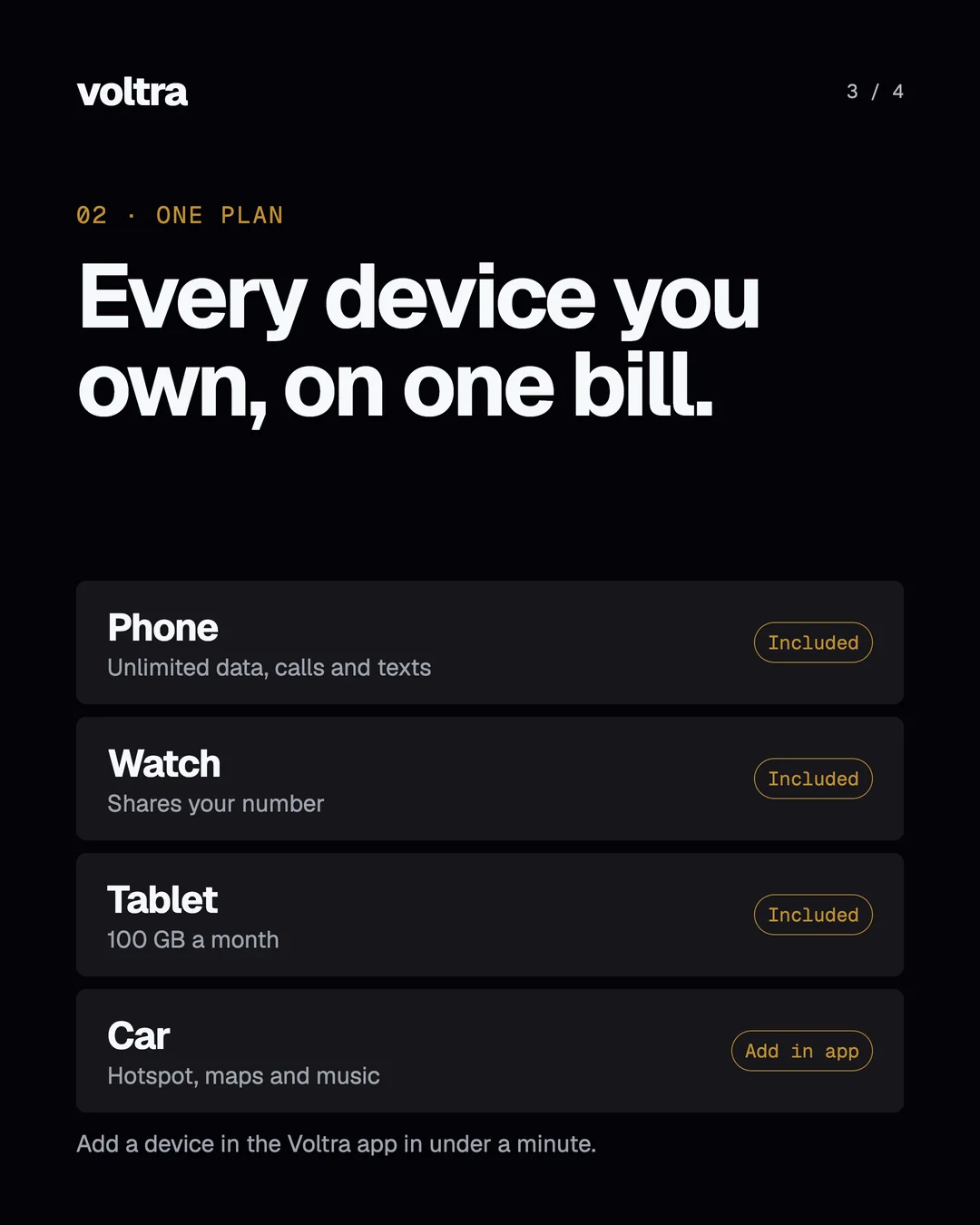

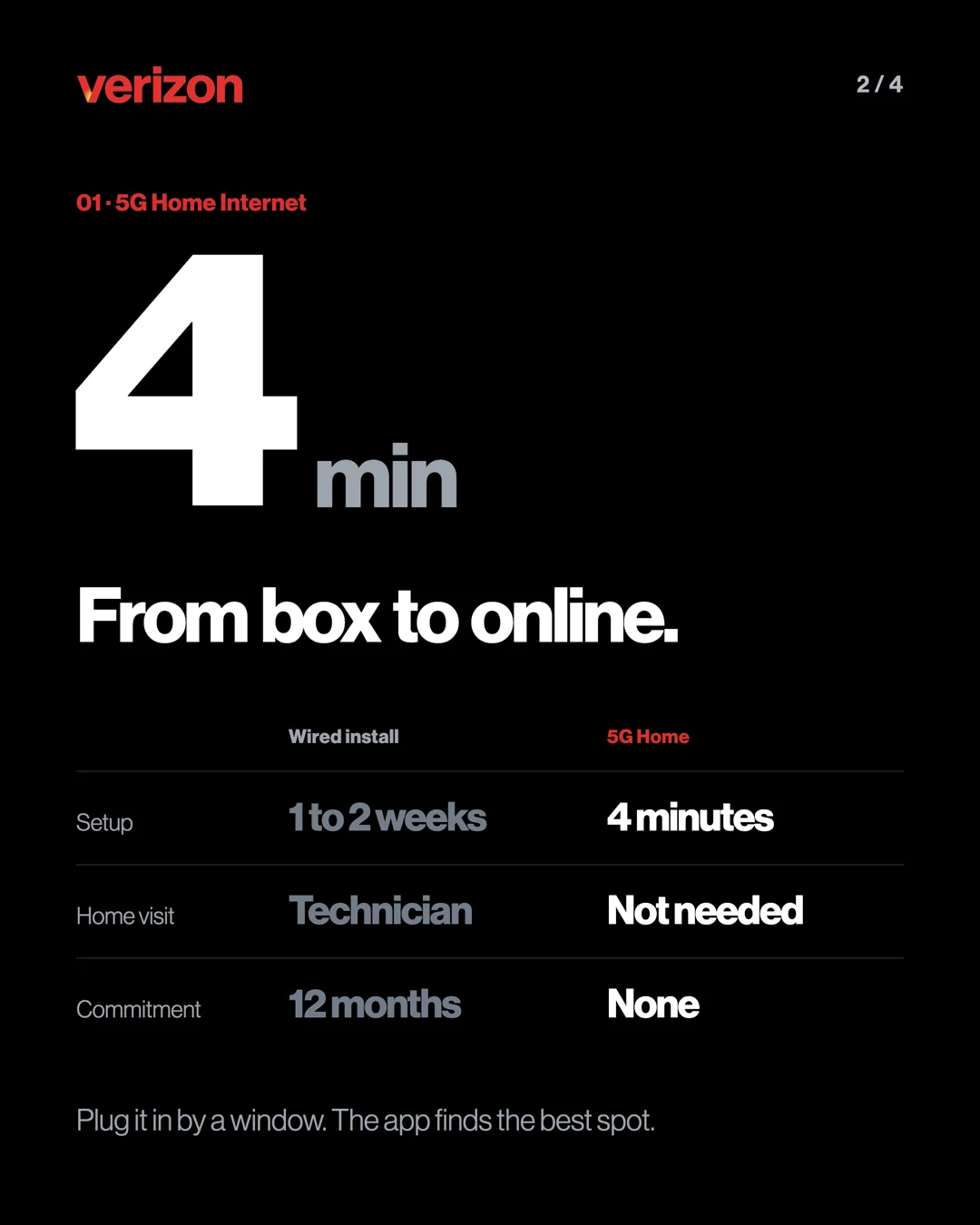
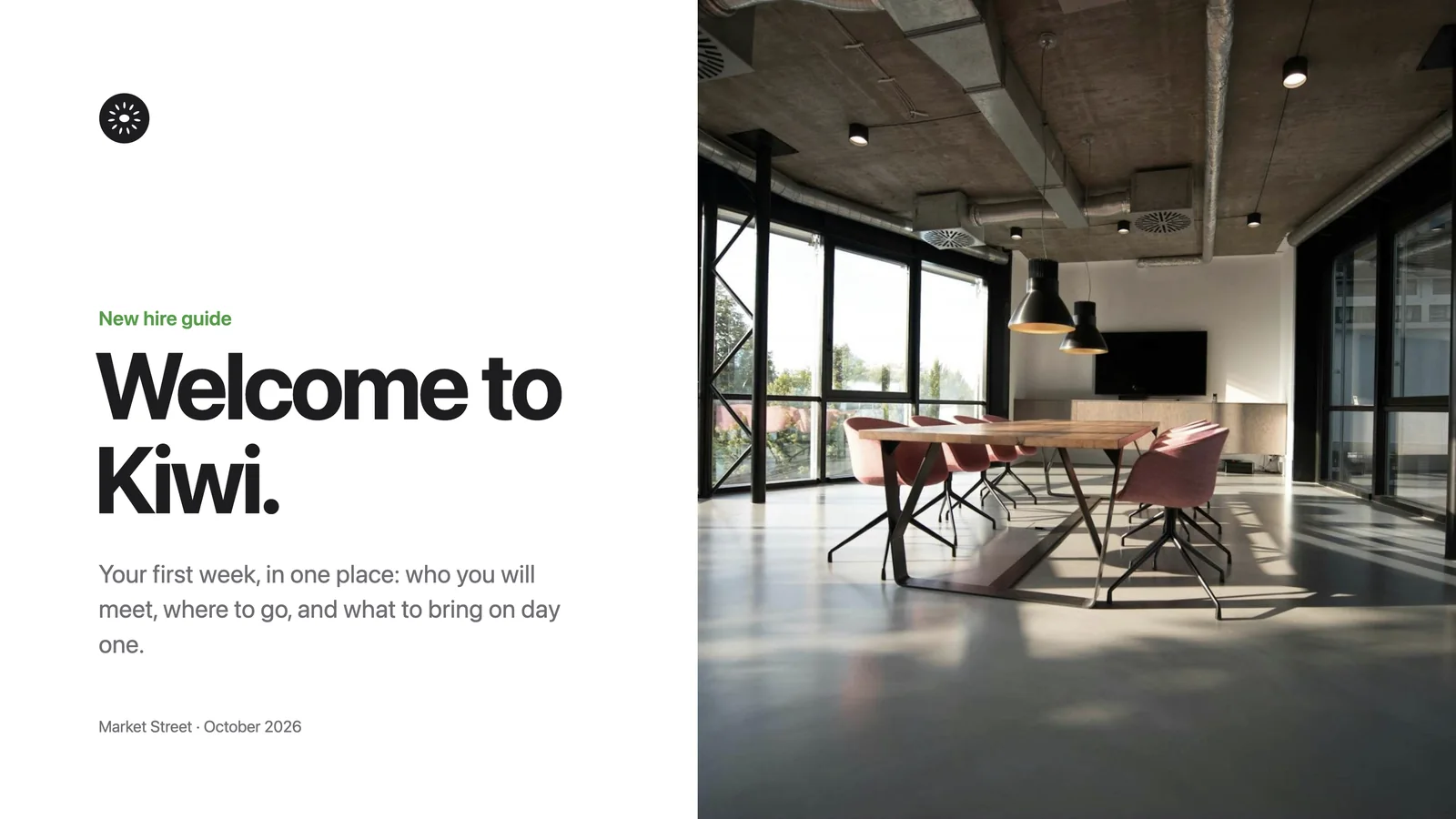
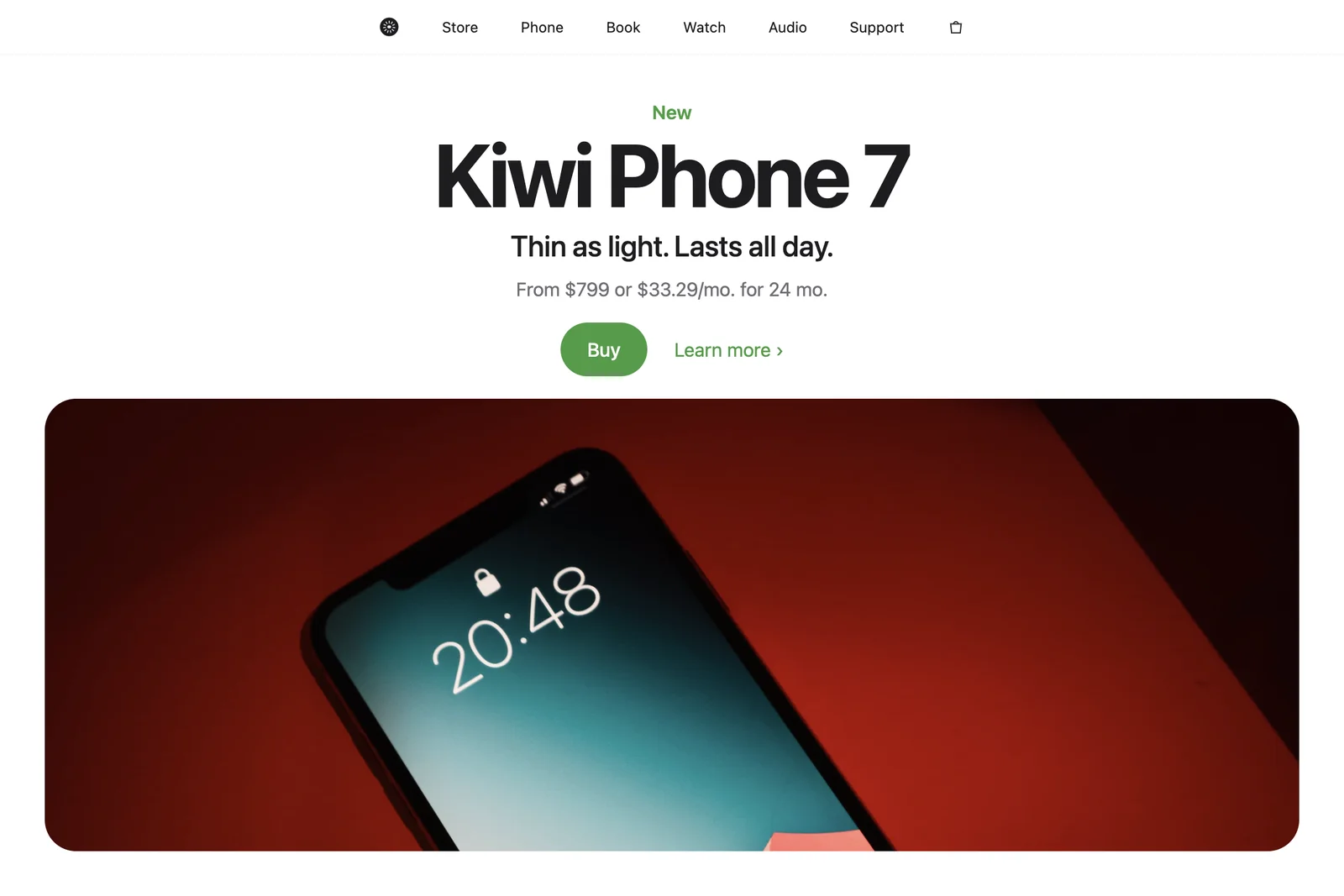
Ask for the carousel, the deck or the document. Review the work on the canvas and tell your agent what needs another pass. Make a carousel
Your direction, in the work
Ask. Review. Direct the next change.
- 01
Ask in your agent.
Use Claude Code, Codex or Cursor with the Designless app open. Name the piece you want and the brand it should carry.
- 02
Review it on the canvas.
Point to what needs changing, say what you want, or make the edit on the page.
- 03
Come back to the same piece.
Keep reviewing the same piece as it develops. Ask for a change to earlier work and the agent changes that canvas rather than starting another one.
Your agents, side by side
One place to review the work.
Claude Code, Codex and Cursor each stay themselves. You and your team direct their work on the same canvas.
- Claude CodeIn the terminal and the Claude desktop app
- CodexIn the ChatGPT app
- CursorInstalled from the Designless app
- Any MCP agentOne connection, in the docs
You stay in control
Your changes lead the next pass.
Your edits come first: the agent builds on your changes or asks you, and never writes over them.

Your agents design. You direct.
Voltra and Kiwi are demo brands. The Verizon example is a demonstration, with no affiliation or endorsement implied.