



Get started
From a new account to your first artefact, in five steps.
Step 1
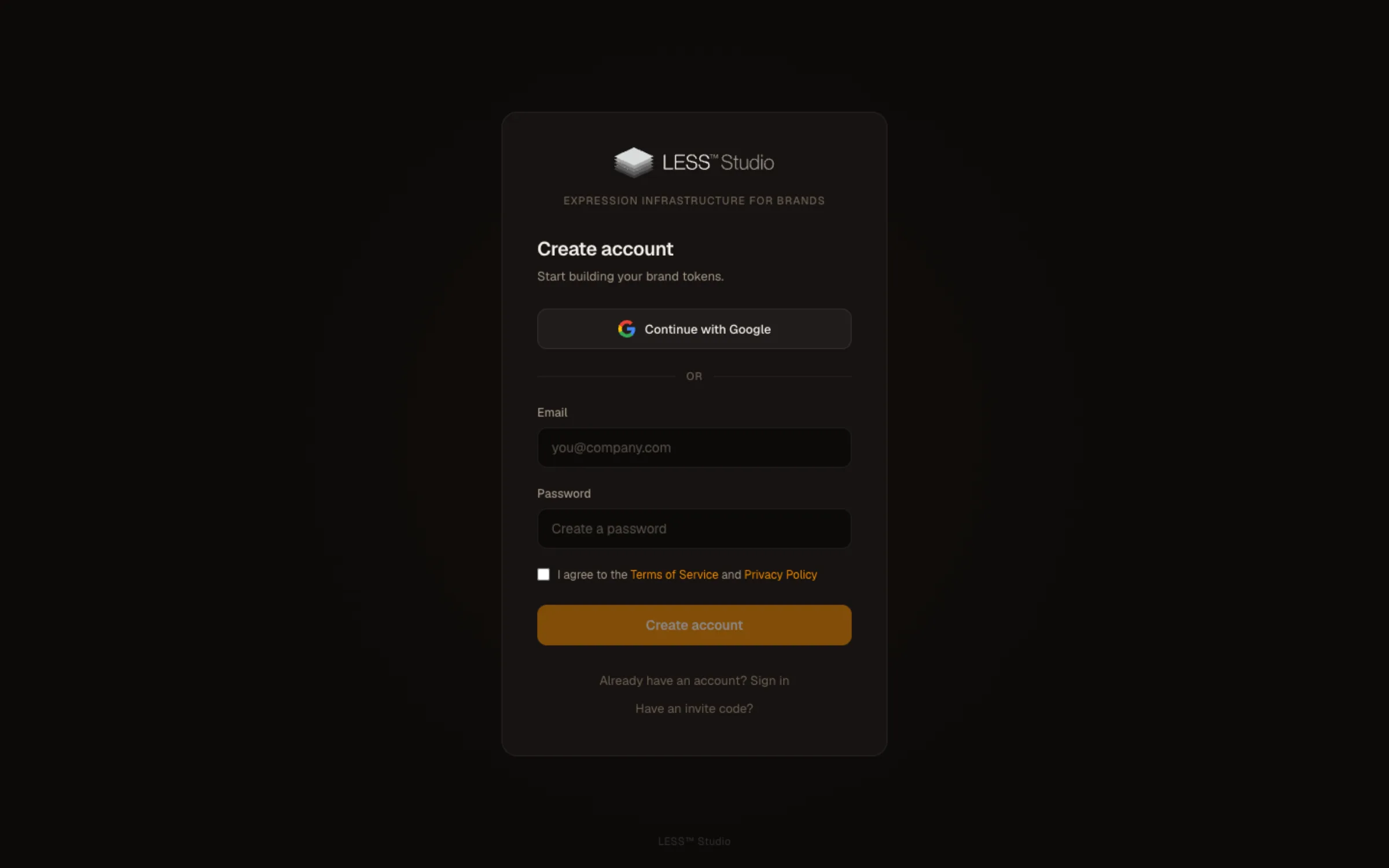
Create your account
Sign up at designless.app. Starter is free: one brand, to try everything before you choose a plan. Sign in to continue.
Step 2
Create and publish your brand
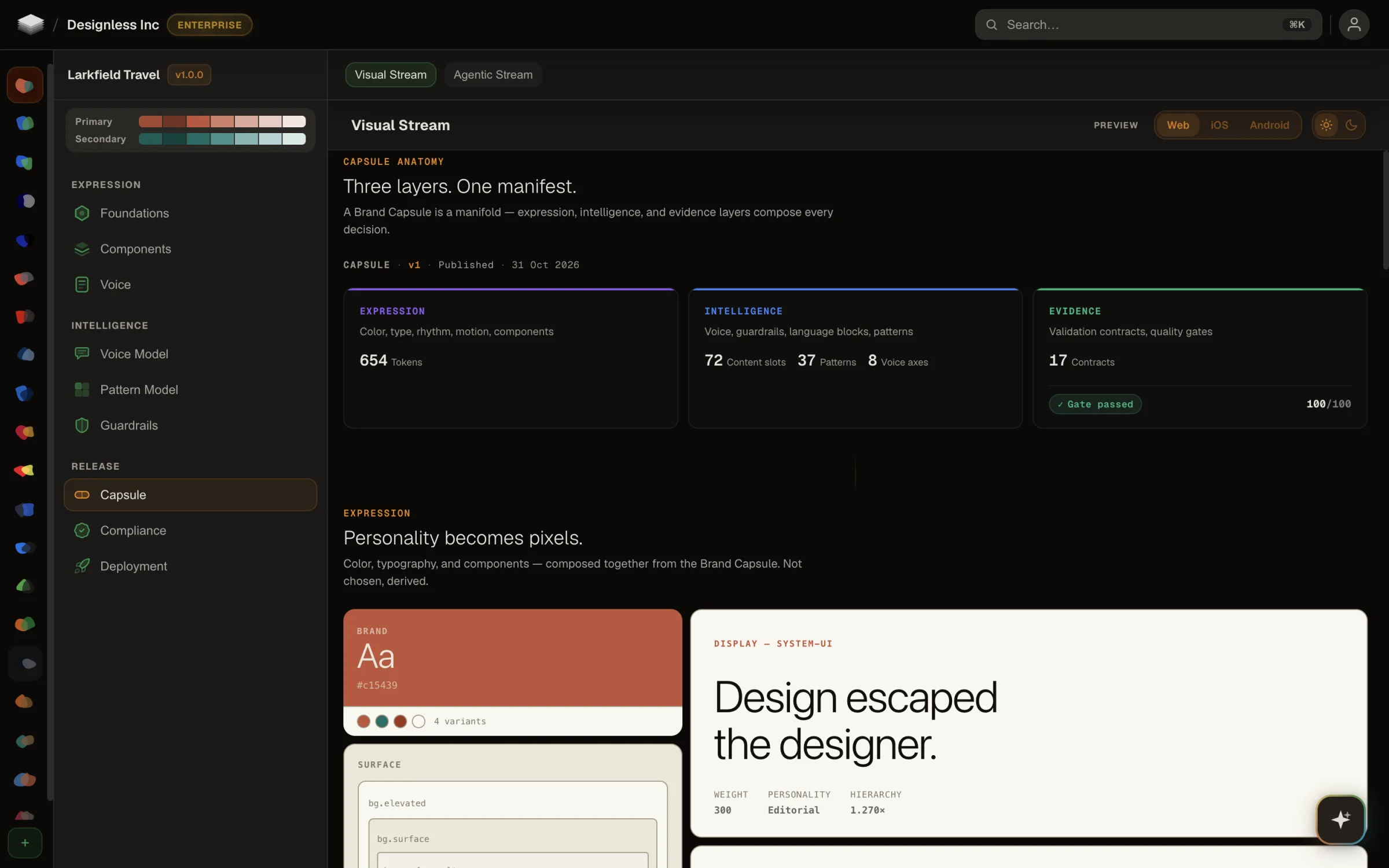
Open LESS Studio at designless.app. Describe your brand, choose the type pairing, generate it, then refine the direction. You can start from a demo brand instead.
- Start from a demo brand. Fifteen are ready on every plan, so you can see the work before your own brand exists.
- Start from a screenshot of something that already looks like you (Solo and up).
Review the brand and publish the version you want your agents to use. A Brand Capsule carries that version into the work they make.
Step 3
Download the Designless app
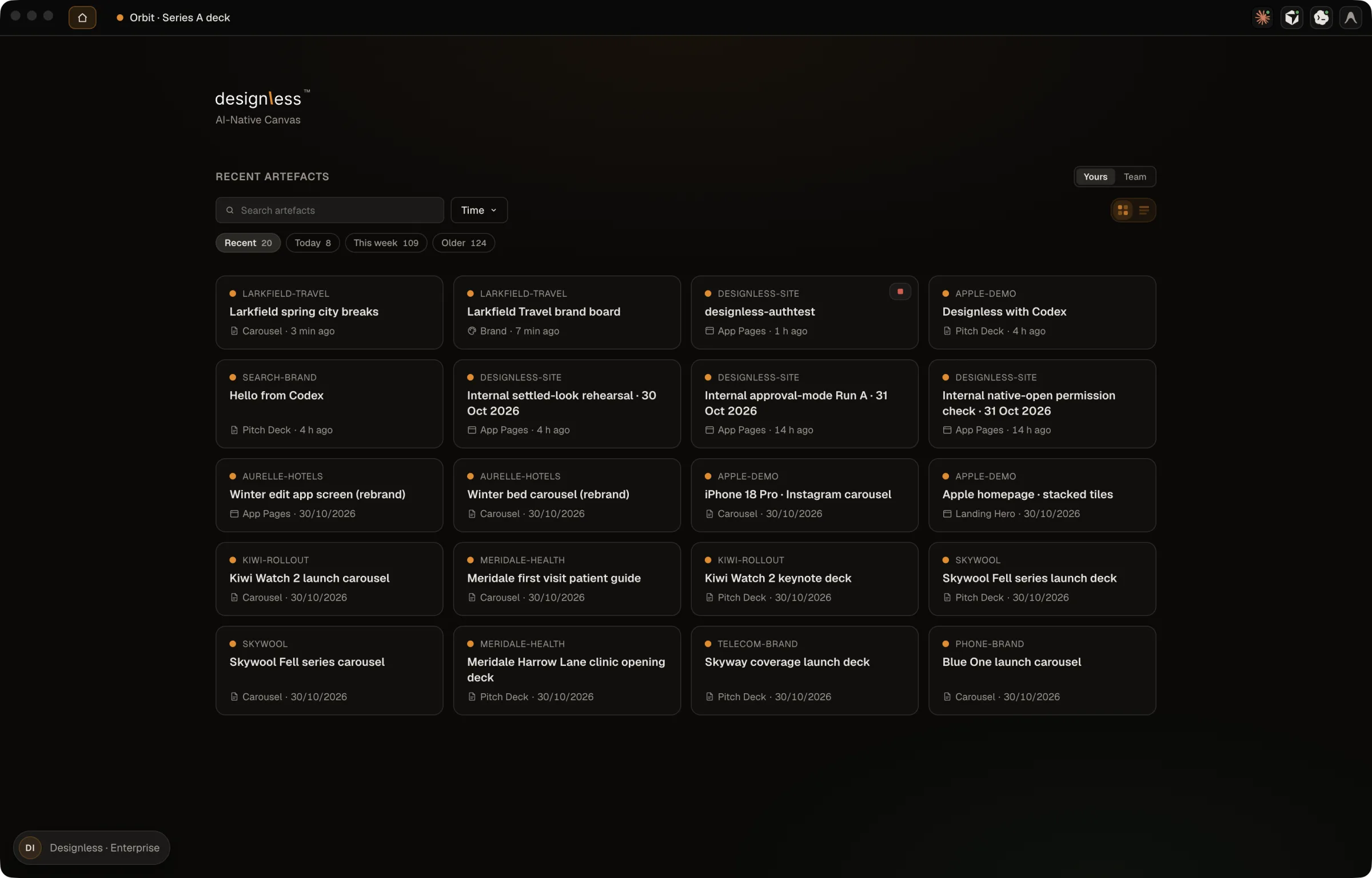
At designless.app, open the menu under your name and choose Download for Mac. Move the Designless app to Applications, open it and sign in.
You need an Apple silicon Mac. The Designless app holds the Agent-Native Canvas where agents create and you direct.
Step 4
Add Designless to your agent
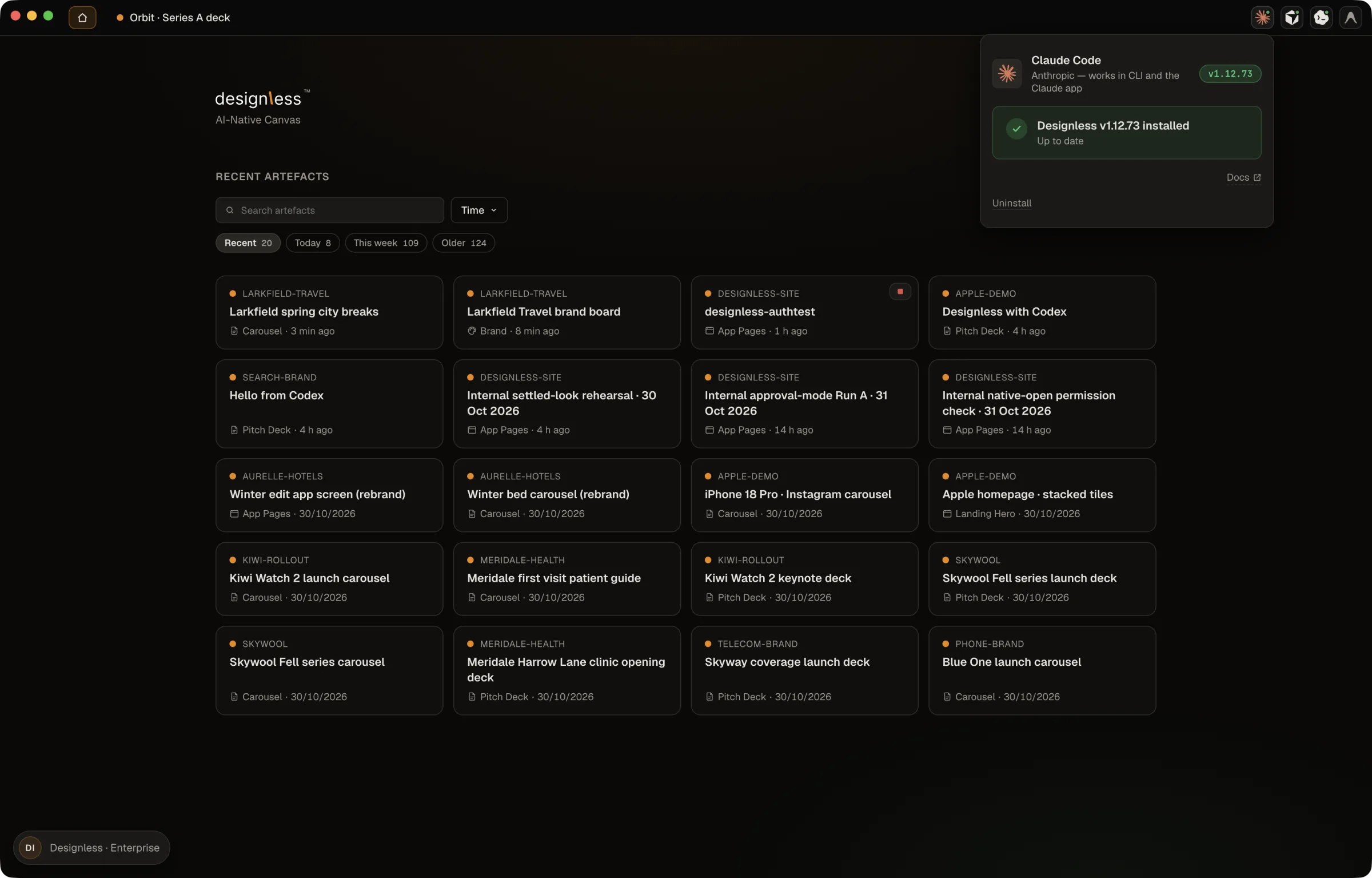
In the Designless app, open the install card and choose Claude Code. The same card offers Codex in the ChatGPT app and Cursor. Keep the Designless app open and signed in, then start a fresh conversation in your agent.
The app is the usual route. If that route is not possible on your machine or in your MCP client, use the alternatives in Integrations.
Step 5
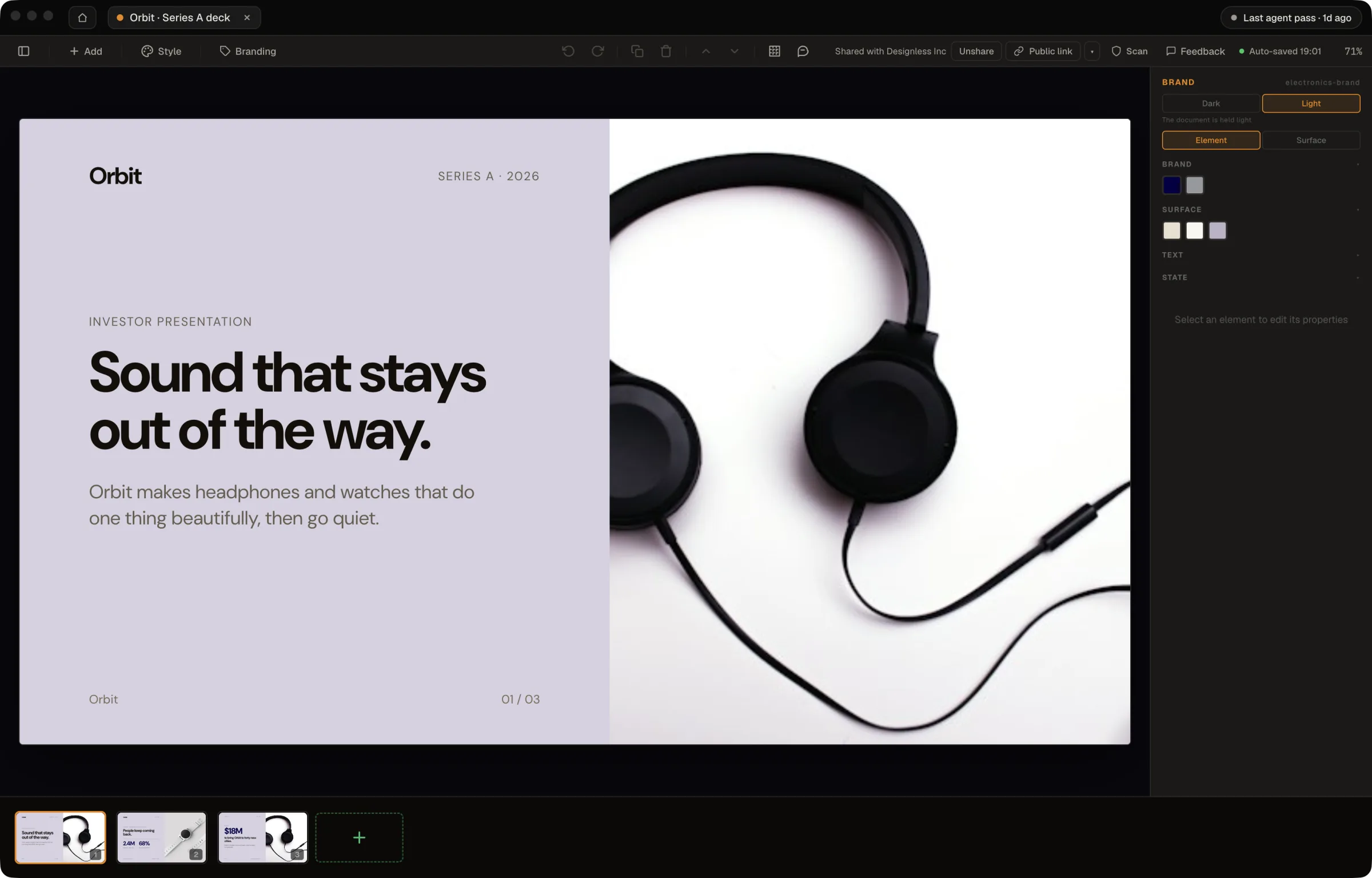
Ask, then direct on the canvas
Designless, make a pitch deck in my brand for our Series A. Use these notes and open it on the canvas.Ask in your agent's conversation. The work appears on the canvas in the Designless app. Direct it there: edit the work, switch its brand, and export when you are ready.
Your next piece
Choose the work you want to create, or keep refining your brand in LESS Studio.