


Change your brand once. Every surface follows.
Serve keeps your website and apps on brand from your published Brand Capsule. Publish a new version and the pages and apps served from it follow.
For the brand owner who keeps every channel consistent.
Kiwi, a demo brand. One release, and the site and the app repaint.
On the web
Any website
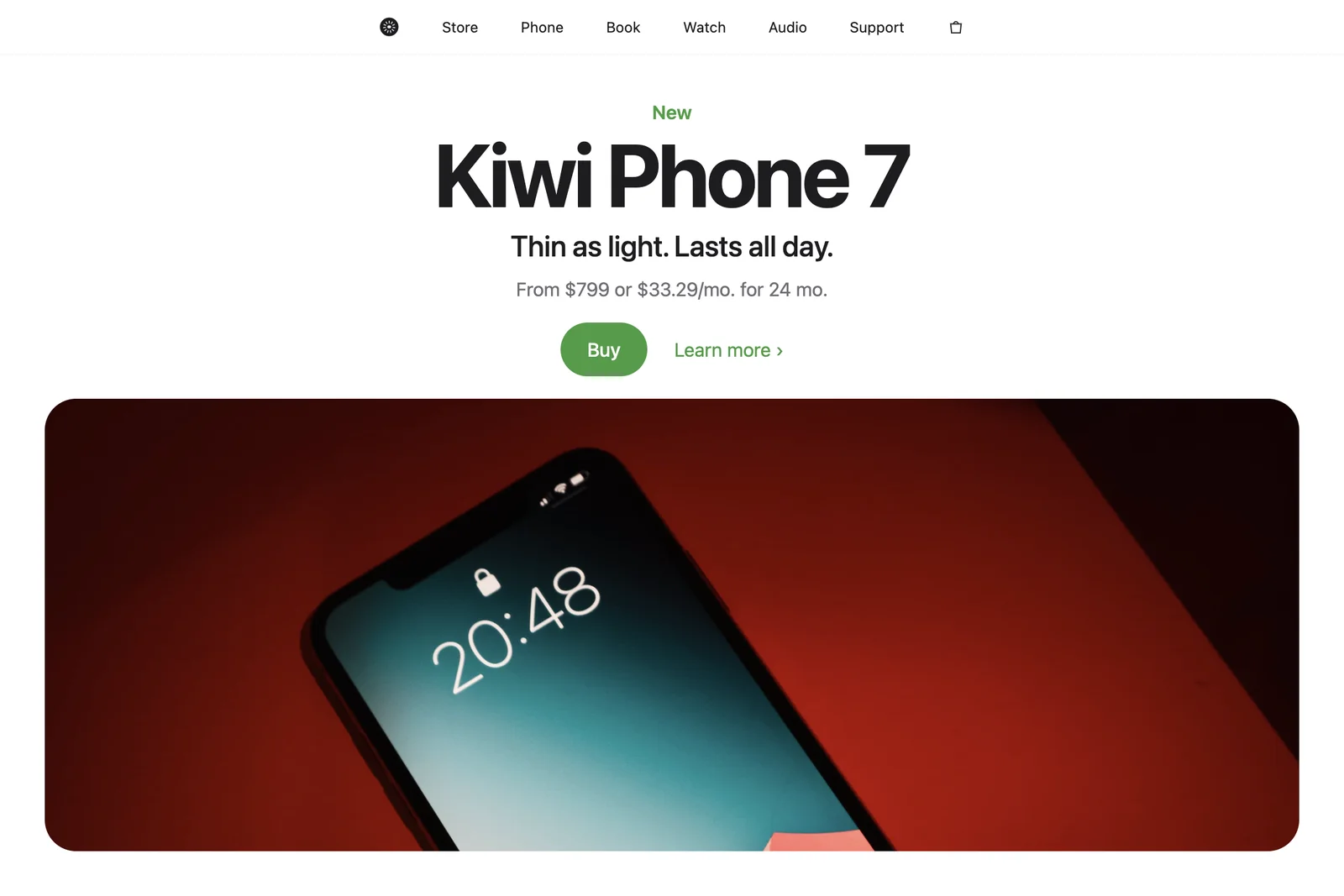
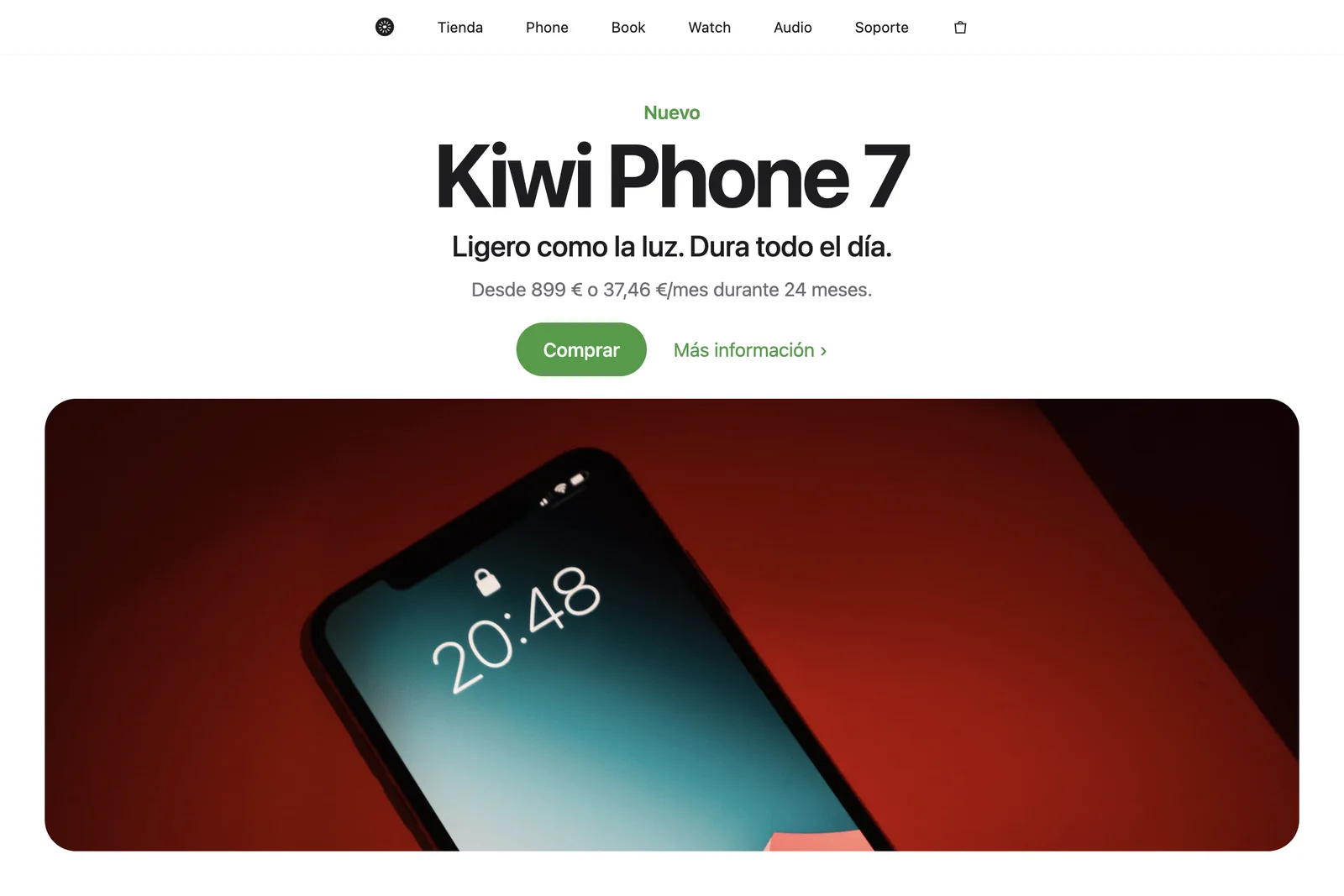
A script tag on any website, or the web package in your project's code. Serve your brand
In native apps
iOS, Android, React Native and Flutter
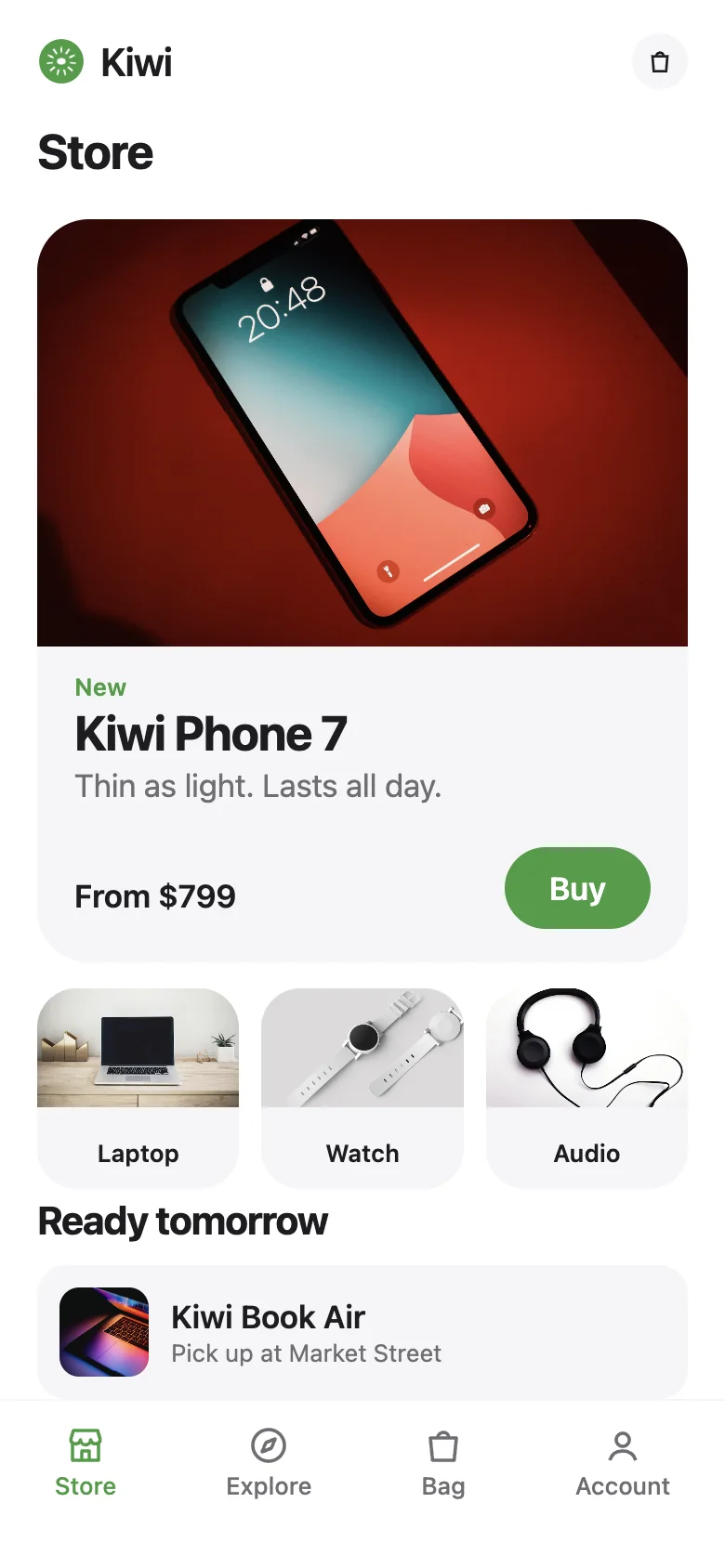
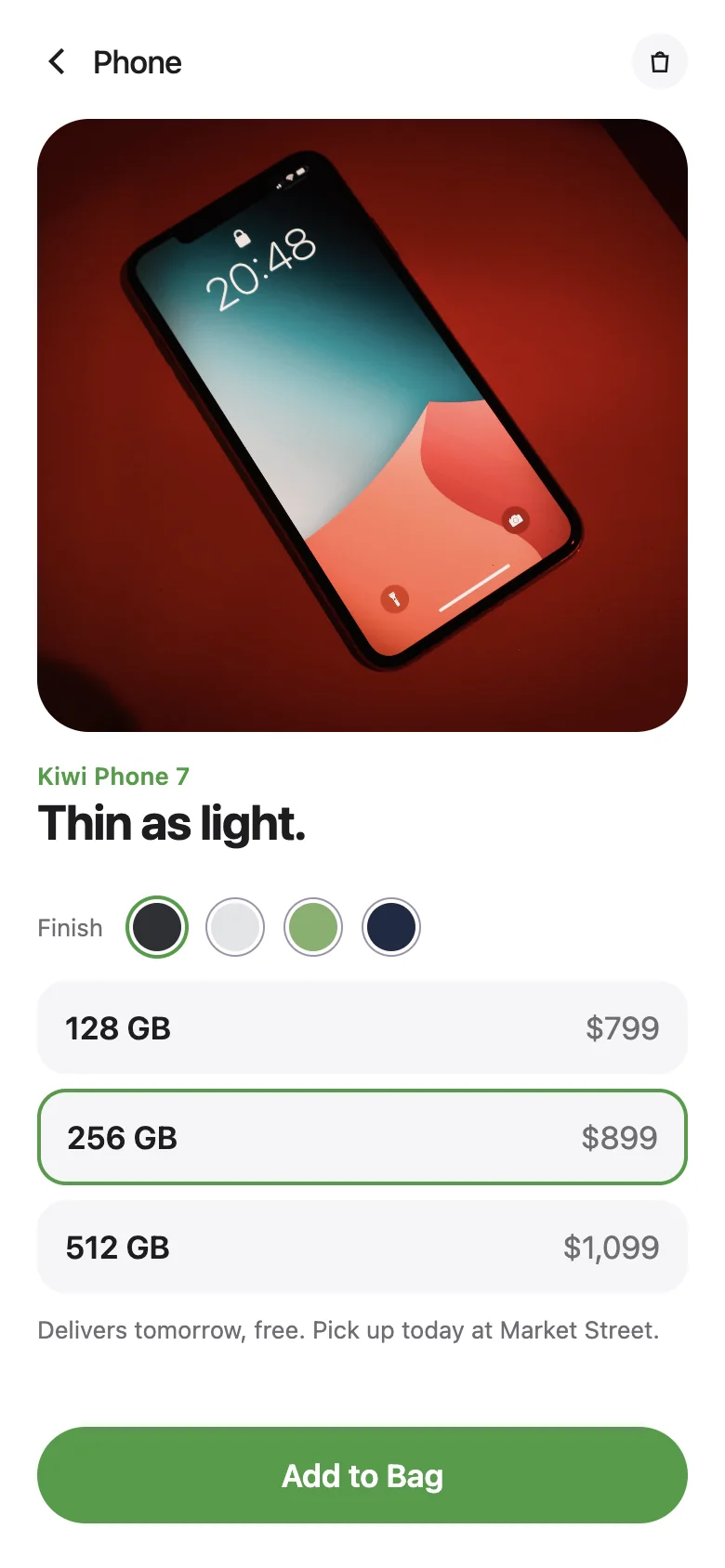
Your app reads the brand through the SDK for its platform. Serve your brand
In your agents' work
Decks, posts and documents
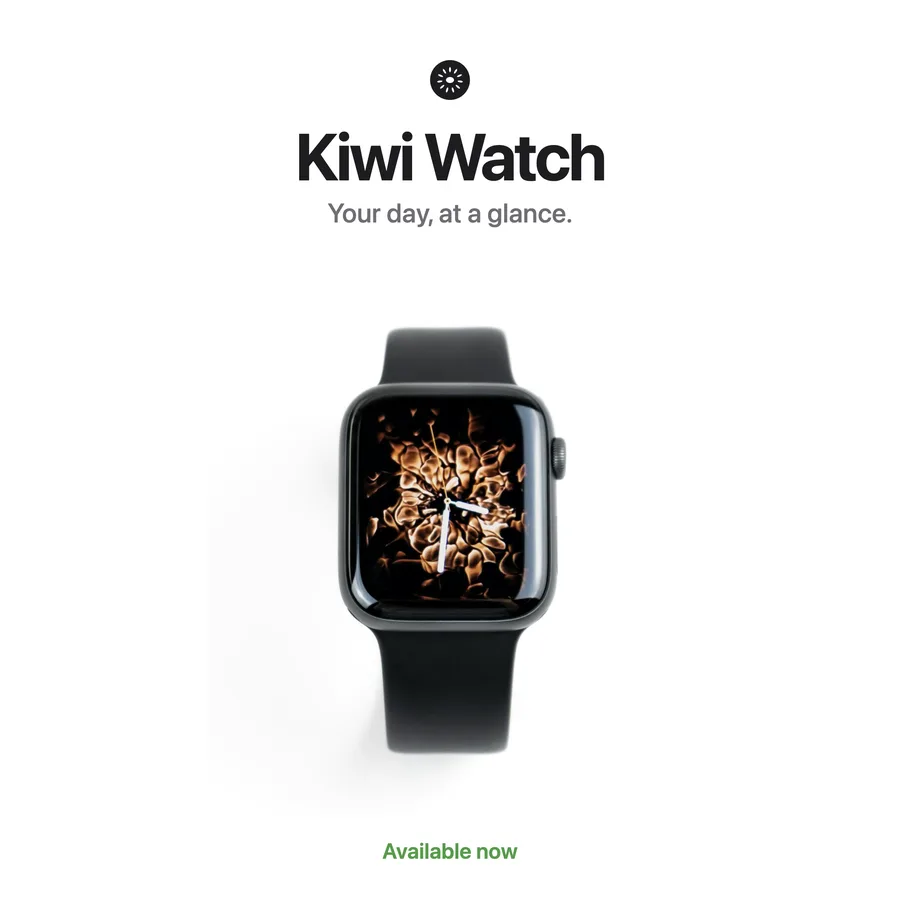
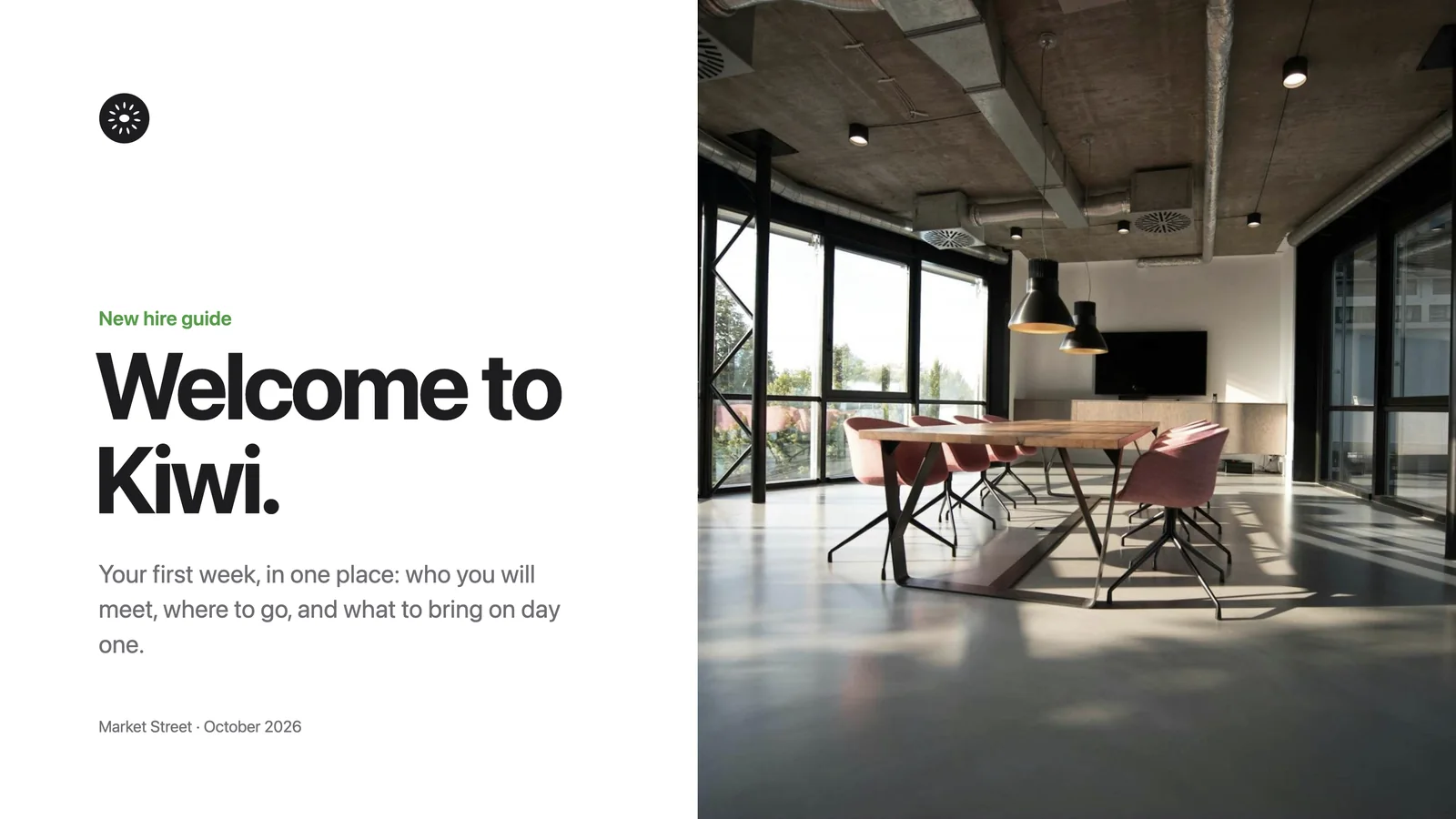
The work your agents make reads the same Brand Capsule as your site and your apps. See Express
How a change reaches everything
Change, check, publish. You confirm each step.
- 01
Make a focused change.
Ask your agent to change the colour, the type or the voice, and review it on work that represents your brand.
- 02
Check it before it ships.
Ask for the quality check before publishing, and fix what it finds.
- 03
Publish the version.
Publishing is always a step you confirm. The pages and apps served from your brand follow.
- 04
Go back if you need to.
Roll back to the previous published version. You see which version returns and confirm it first.
Served from our own
This page is served from our Brand Capsule.
The colours, type and marks on this page come from the Designless Brand Capsule through the same Serve SDK, and follow each version we publish.
Setting it up
Your agent does the setup.
Ask your agent to serve your brand in your app. It detects your framework and shows you the snippet, the file and the package before it applies them. Then check the result in light and dark. Serve your brand

Your agents design. You direct.
Kiwi is a demo brand made to show the work. Any likeness to real companies is unintended.