



Expression Graph
Every piece you make, connected, in any format.
The Expression Graph connects every deck, post, document, page and asset your brand makes. Change the brand once, and the work that wears it knows.
For teams who make hundreds of pieces a month and need every one of them to stay in step.
Every deck, on brand

What it connects
Every deck, on brand
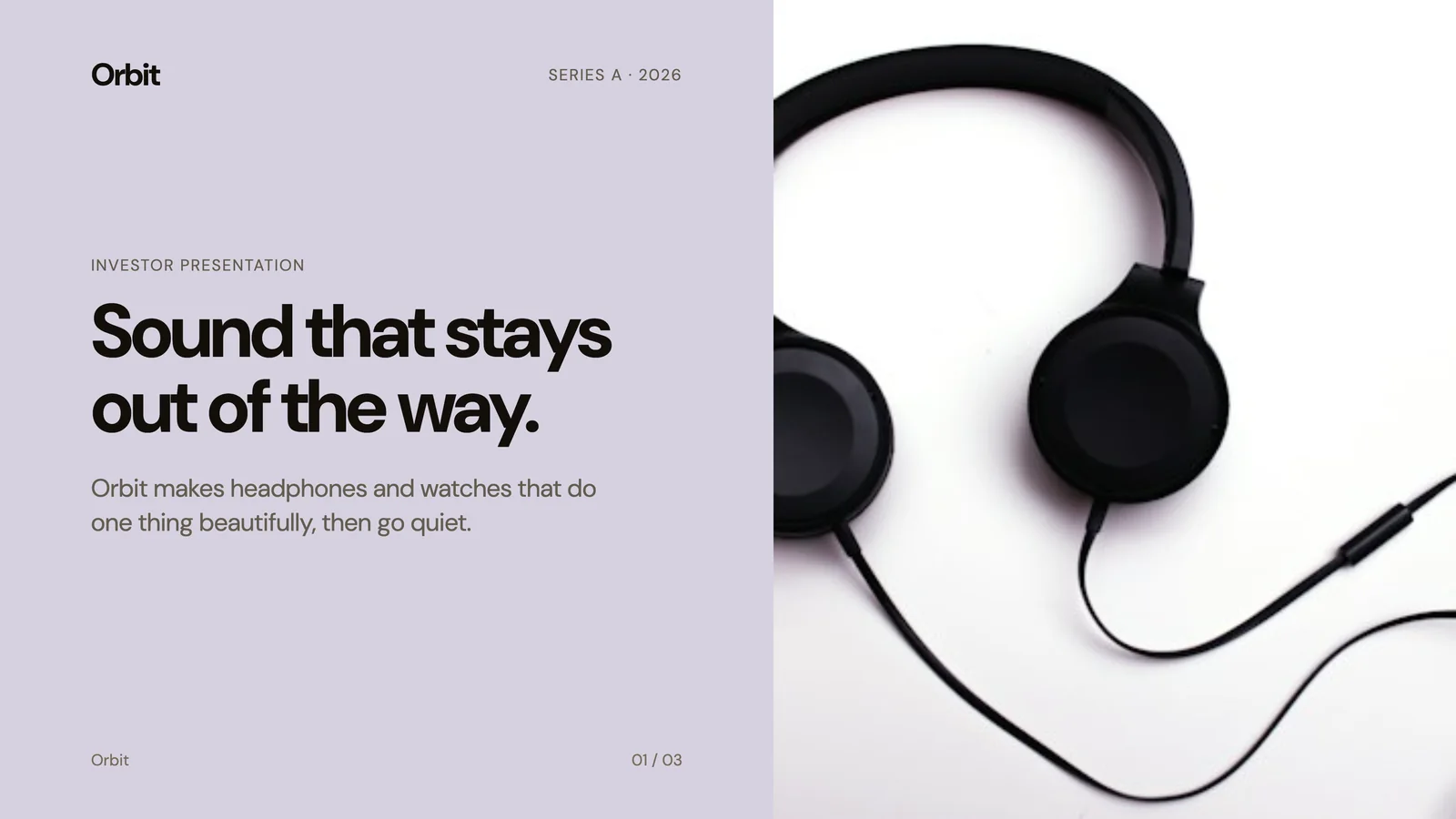
Investor decks, results decks and launch decks, each tied to the brand version it was made with.
Posts and campaigns
Every post in the campaign
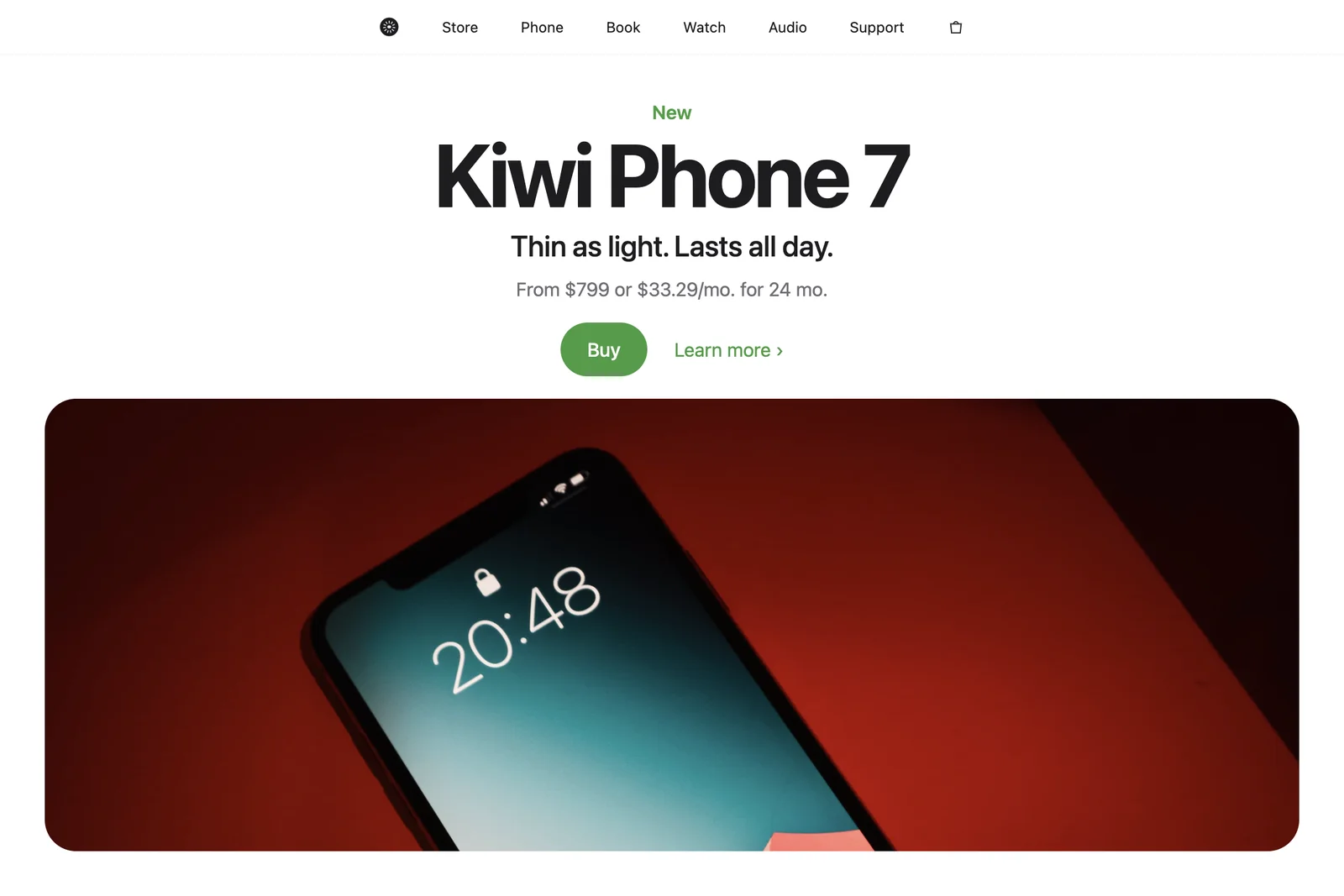
Carousels, stories and ads stay together as one campaign, so a change reaches all of them.


Documents and pages
Documents, pages and apps alike
Guides, letters, landing pages and app screens are part of the same graph as the posts and decks.

Why it matters
One change, and the whole body of work keeps up.
- 01
Make the work.
Every piece your agents create joins the graph, with the brand it wears.
- 02
Change the brand.
Release a new version of your Brand Capsule.
- 03
See what it touches.
Find the work that wears the old version and bring it up to date.
One brand, every format
The same brand across the work.
Over 500 document types, from a deck to a ticket, all connected to the brand they were made in.



Nothing left behind
No forgotten files in the old brand.
Because every piece knows its brand, a rebrand reaches the whole body of work, not only what someone remembered to update. Publish a version
Your agents design. You direct.
Up and running in four steps.
Set up your brand
Sign up free at designless.app and set up your brand.
Download the app
Get the Designless app for your Apple silicon Mac and sign in.
Install the plugin
From the app, add it to each coding agent you choose: Claude Code, Codex or Cursor.
Ask in your agent
Open a Claude Code session, or any agent you added it to, and ask for what you need.
Working from the command line or another MCP client? Read the docs.
Ready to transform how your teams design?
Brands shown are for demonstration only. Some are fictional. Real brands appear without affiliation or endorsement, and their names and marks belong to their owners.